Systems Administration / Active Directory
GROUP
POLICY MANAGEMENT.
I created and managed Group Policy Objects within my Active Directory domain (KGuillaume.local) to control user and computer settings across systems.
01 — Objective
Manage Group Policy Objects (GPOs) to control computer and user settings within specific AD Organizational Units.
02 — Environment
03 — Implementation
04 — Lab Evidence
01 — Group Policy Management
Group Policy Objects
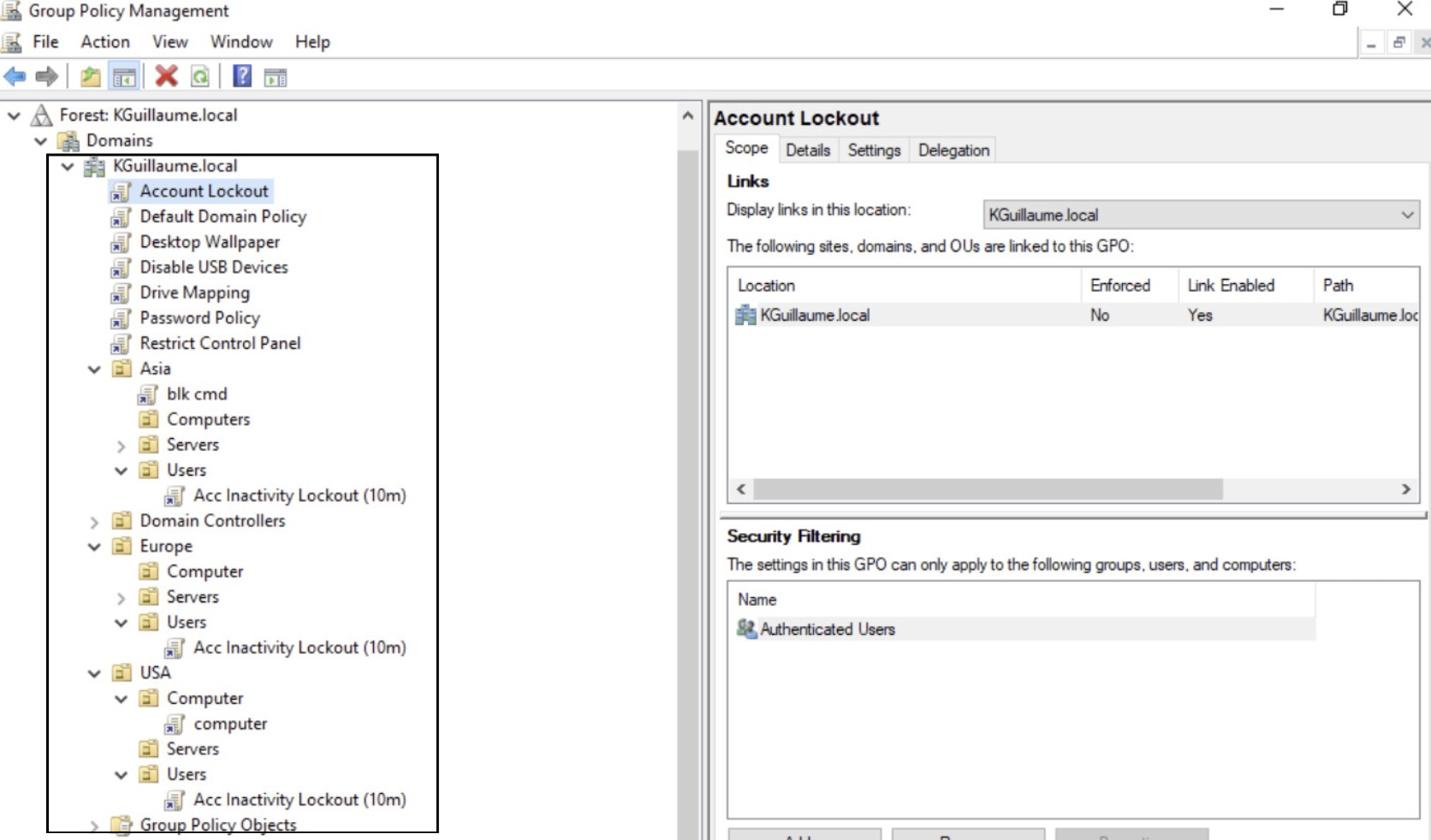
We're taking a look at Active Directory's Group Policy Management Console. Here, I have all of my Group Policies currently active and assigned to the OUs in my domain.
02 — Computer Configuration
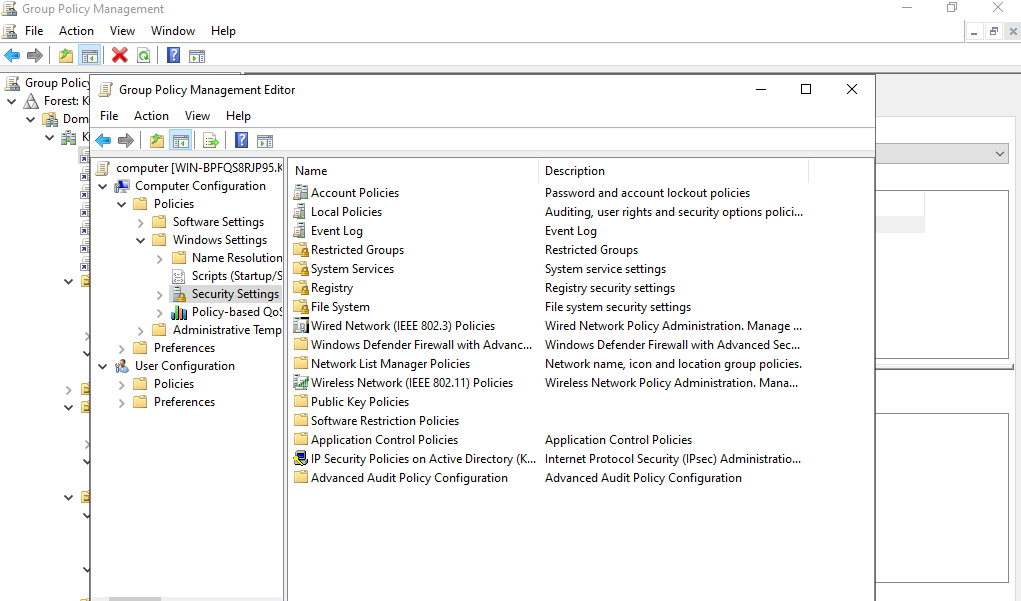
Configured Computer Policy -- GPO Policy Example
There are a vast majority of policies that can be applied to OUs and implemented in the domain. Specifically here, We see the security settings for the Computer Configuration for one of the targeted units in my domain.
03 — DNS Configuration
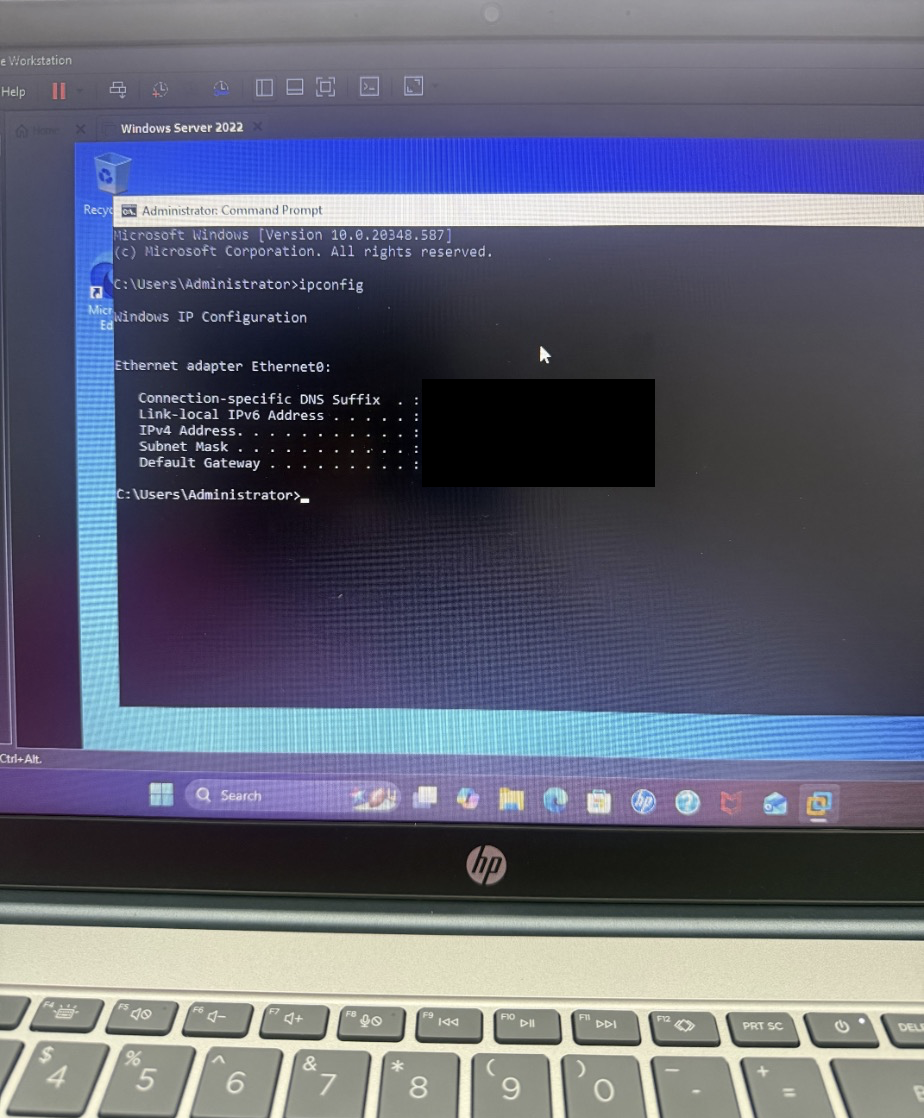
Configuring DNS for Domain Communication
To continue to build on my knowledge of Group Policy Management, I configured DNS on a client VM so it could properly locate the "KGuillaume.local" domain controller and communicate with the domain environment. (IP addresses and Subnet Masks have been hidden for security purposes.)
04 — DNS Troubleshooting
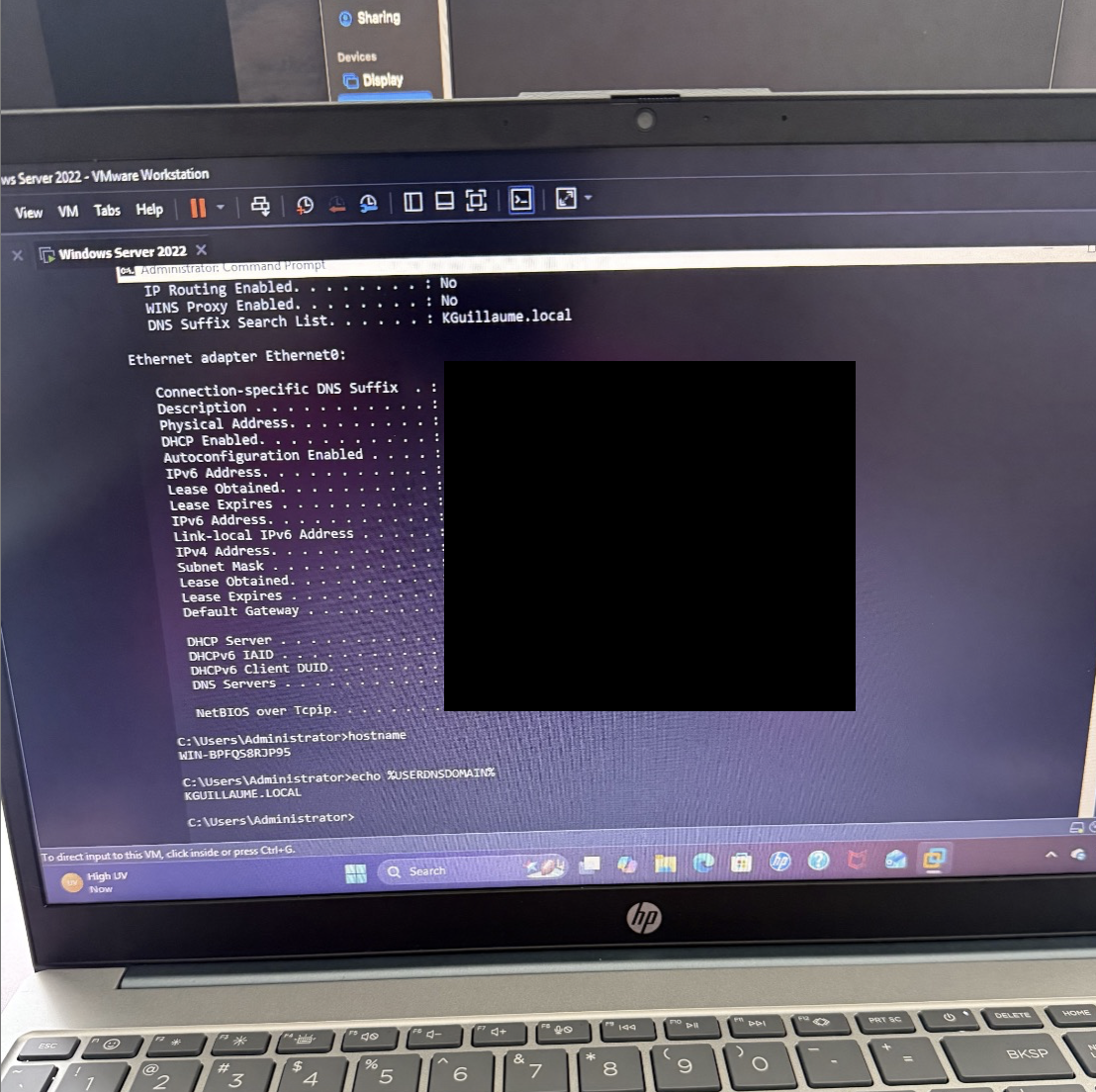
Verifying DNS and Domain Connectivity
Correct DNS configuration was necessary for the client to communicate with the domain controller and receive Group Policy settings. (IP addresses and Subnet Masks have been hidden for security purposes.)
05 — Results
Although it had became somewhat of a challenge, I configured Group Policy and prepared a domain-joined client for policy application.
The project provided hands-on experience with the Group Policy Management Console, GPO configuration, computer policies, Organizational Units, domain connectivity, and DNS. The client VM was configured to communicate with the Active Directory environment so that Group Policy settings could be applied and tested.
06 — Challenges
Connecting the client VM to the domain and configuring DNS correctly was the most difficult part of the project.
The most challenging part of the project was joining the client VM to the Active Directory domain and configuring DNS correctly. The client needed to be able to locate and communicate with the domain controller before Group Policy settings could be applied. Troubleshooting the DNS configuration and verifying domain connectivity helped me understand how DNS plays an important role in Active Directory environments and Group Policy deployment.
07 — What I Learned
Practical experience with Group Policy, domain connectivity, DNS, and computer configuration management.
This project helped me understand how Group Policy can be used to centrally manage Windows computers within an Active Directory environment. I gained experience navigating the Group Policy Management Console, reviewing available computer configuration policies, and troubleshooting the network and DNS requirements necessary for Group Policy to function.